
AI-written chapters
Give it a title and an outline and it drafts the introduction and every chapter. Regenerate any single chapter, or edit the text yourself in a full rich-text editor.
Describe the book you want. EbookCraft drafts the chapters, designs the cover, renders a print-ready PDF, publishes a page-turning flipbook and narrates the whole thing as an audiobook.
Already bought EbookCraft? Your login details were emailed to you when your purchase cleared.
Everything included
Writing, design, publishing and narration — without stitching four different products together.
Give it a title and an outline and it drafts the introduction and every chapter. Regenerate any single chapter, or edit the text yourself in a full rich-text editor.
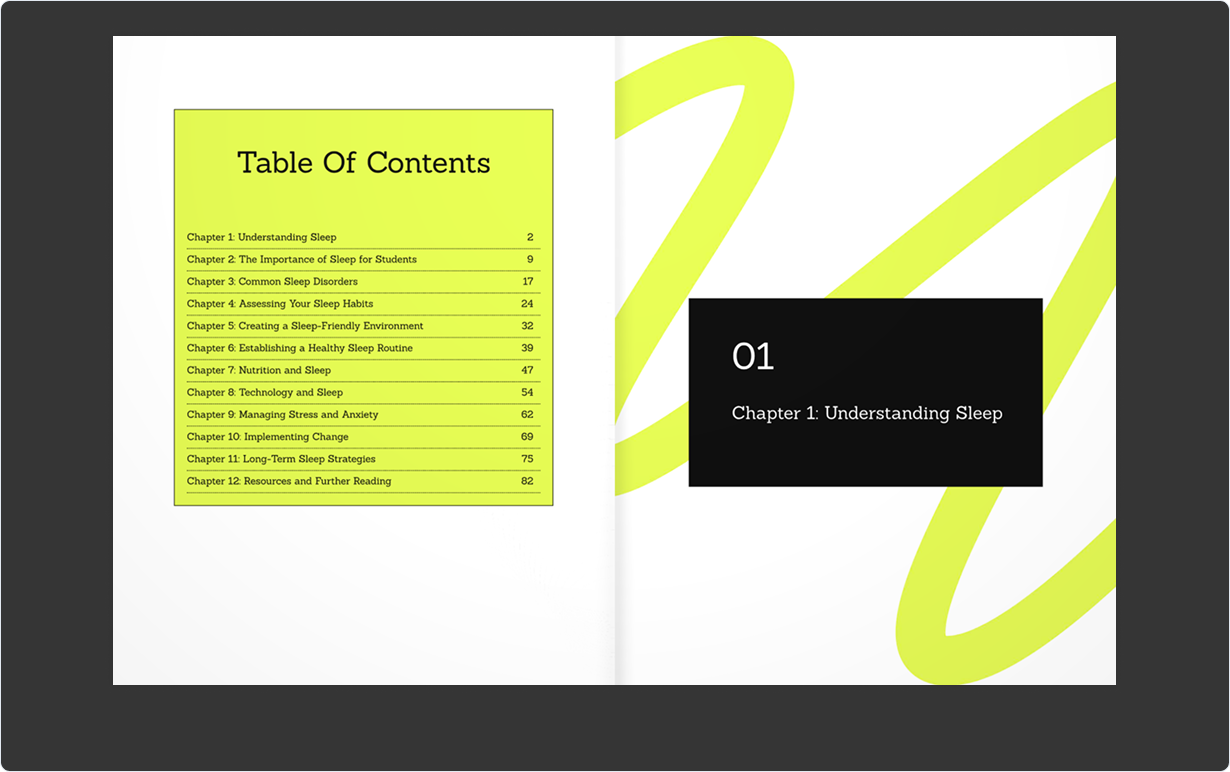
Books render on the server as true vector text with a proper table of contents, page numbers and an even page count — searchable and selectable, not flattened images.
Every book becomes a page-turning flipbook with a public link. Readers get real page-flip sound and two-page spreads, on desktop and mobile.
Turn a finished book into a chapter-by-chapter audiobook with a choice of voices, pitch and pace. It generates in the background and downloads as a single archive.
Design front and back covers with built-in image search, or upload your own artwork. Save your colours, fonts and logo once and reuse them across every book.
Take the finished book out as PDF, HTML, a Word-compatible document or plain text — or copy any chapter straight to the clipboard.
How it works
The same four steps whether it is a 12-page lead magnet or a 200-page book.
Name the book, set the topic and tone, and choose how many chapters you want. Start from scratch, a document, a URL or a video.
Read the draft, rewrite anything, regenerate a weak chapter, or add your own. Nothing is locked — it is your manuscript.
Pick a cover style, search for imagery or upload your own, and apply your saved brand so it looks like you made it.
Render the PDF, open the flipbook, generate the audiobook and share the link. Long jobs run in the background while you carry on.
Formats
Every book exports in six formats, so the same manuscript works as a paid download, a web page, a lead magnet or a podcast-style listen.
Questions
No. A published flipbook has a public link that opens for anyone, with no sign-in and nothing to install.
Yes, all of it. The draft is a starting point: every chapter opens in a full editor, and you can rewrite, reorder, regenerate or delete any part of it before you publish.
Drafting is a few minutes for a typical book. Rendering the PDF and generating an audiobook run as background jobs, so you can close the tab and come back — progress is saved and waiting for you.
EbookCraft is sold through JVZoo, WarriorPlus and LaunchPad. Your account is created automatically as soon as your purchase clears, and the login details are emailed to you.
Yes. The books, covers, flipbooks and audiobooks you produce are yours to sell, give away or publish wherever you like.
Sign in and take an idea all the way to a published flipbook and a narrated audiobook in a single sitting.